
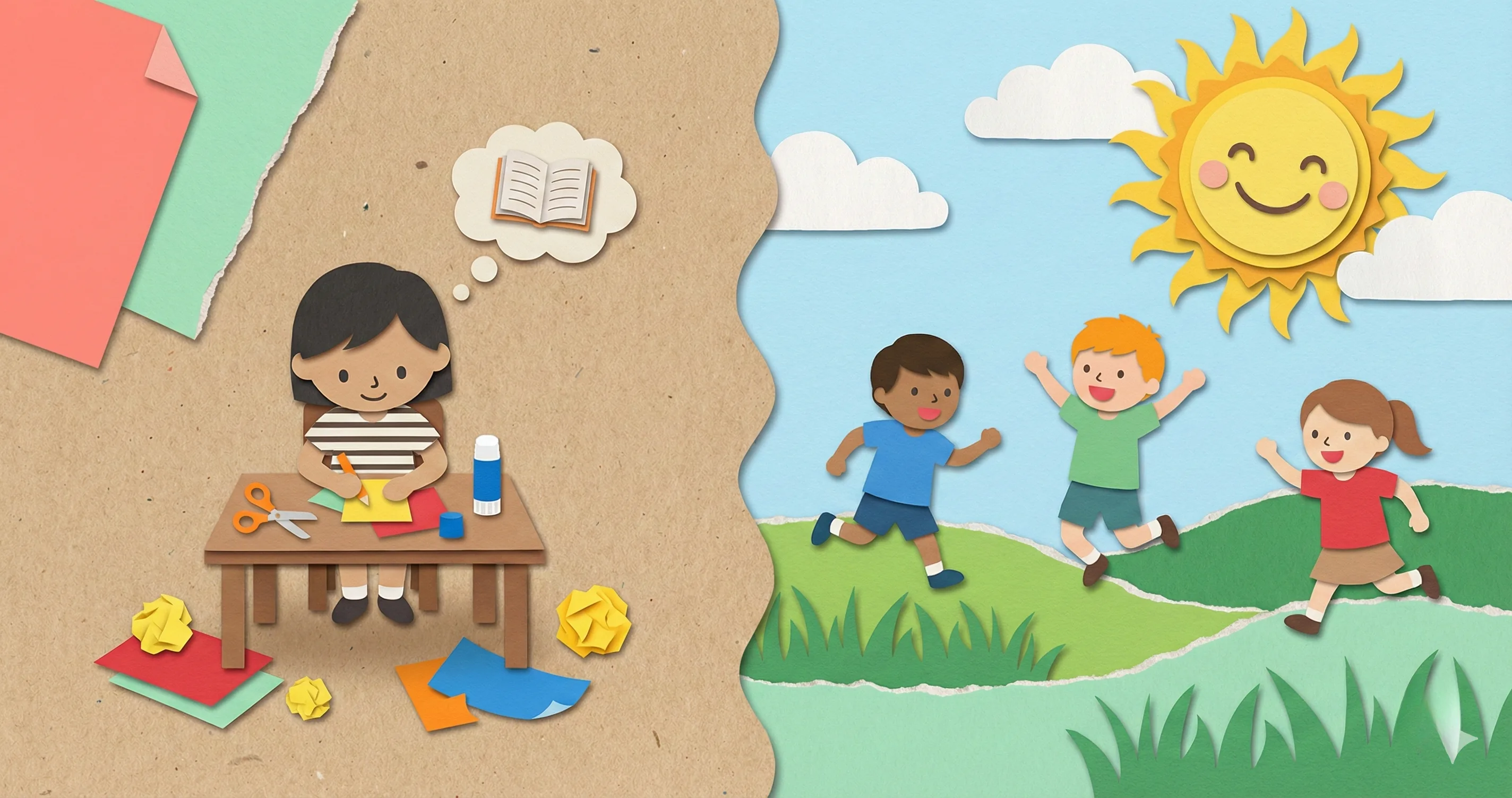
Why Kids Say “I’m Bored” Without Screens (and What It Really Means)
You reduced screen time. Maybe you set new limits, maybe you tried a full digital detox. And within the first hour your child looked at you and said the words every parent dreads: “I’m bored. There’s nothing to do.” If that sounds familiar, you are not alone — and your child is not broken. They are experiencing what researchers call the boredom gap, and understanding it is the key to making screen free activities actually work.
Screens deliver constant stimulation. When that stimulation stops, a child’s brain needs roughly 10-15 minutes to recalibrate and find interest in lower-stimulation activities. During those minutes, everything feels dull by comparison. But here is the encouraging part: once kids push through that initial window, they almost always engage. The boredom is not a sign that they need screens back. It is the transition itself.
This guide gives you 60+ practical non screen activities organized by age group and setting so you always have something ready when that moment hits. No vague suggestions. No guilt trips. Just real ideas from a parent who has heard “I’m bored” roughly a thousand times.
Screen Free Activities for Toddlers and Preschoolers (Ages 2–4)
Toddlers do not need elaborate setups. They need sensory experiences, movement, and your occasional presence. At this age, the best screen free activities tap into what they are already wired to do: touch everything, make messes, and repeat things a hundred times.
Indoor Activities (Ages 2–4)
- Sensory bins. Fill a plastic bin with rice, dry pasta, water beads, or kinetic sand. Add scoops, cups, and small toys. This can hold a toddler’s attention for 30+ minutes.
- Play dough station. Homemade play dough (flour, salt, water, food coloring) plus cookie cutters and plastic knives. Cheap, endlessly reusable.
- Sticker art. Give them a sheet of dot stickers and blank paper. No instructions needed. They will figure it out.
- Pillow obstacle course. Stack couch cushions, blankets, and pillows into a tunnel or climbing course in the living room.
- Sorting games. A muffin tin and a pile of colored buttons, pom-poms, or cereal pieces. Sort by color, size, or type.
- Dance party. Put on music (a Bluetooth speaker counts as screen-free) and let them move. Simple, effective, exhausting in the best way.
Outdoor Activities (Ages 2–4)
- Water play. A bucket, cups, a watering can, and a patch of grass. That is it.
- Nature walk with a bag. Give them a paper bag and ask them to collect interesting things: leaves, sticks, rocks, flowers.
- Chalk drawing. Sidewalk chalk on a driveway or patio. Draw roads for toy cars, trace their shadow, or practice letters.
- Sandbox digging. Add spoons, trucks, and molds. Toddlers will dig for as long as you let them.
- Bug safari. Lift rocks, look under leaves, watch ants. A magnifying glass makes it feel like a real expedition.
Screen Free Activities for Elementary Kids (Ages 5–8)
Five to eight year olds are in the sweet spot for screen free activities. They are old enough to play independently, young enough to still get excited about simple things, and naturally drawn to building, pretending, and exploring. The trick is giving them agency: offer choices instead of commands.
Indoor Activities (Ages 5–8)
- Blanket fort city. Drape blankets over chairs and tables. Add flashlights, books, and stuffed animals. This becomes a reading nook, a spaceship, or a secret base.
- LEGO free-build challenge. Dump the LEGO out and set a theme: “Build the tallest tower,” “Build your dream house,” “Build something that moves.”
- Kitchen science. Baking soda + vinegar volcanoes. Mixing colors with food dye. Freezing toys in ice blocks and chipping them out. These feel like magic at this age.
- Board games and card games. Uno, Connect Four, Guess Who, Sorry. Games build focus, patience, and turn-taking — skills that screens do not practice.
- Treasure hunt. Write simple clues on index cards and hide them around the house. The “treasure” can be a small snack or sticker. Kids beg to play this again and again.
- Art supply free-for-all. Set out paper, markers, glue, scissors, tape, and random craft supplies (pipe cleaners, googly eyes, popsicle sticks). No project. Just materials and permission.
- Audiobook + coloring. Play a story on a speaker while they color or draw. This counts as screen-free and builds listening skills.
Outdoor Activities (Ages 5–8)
- Scavenger hunt. Write a list: “something red, something soft, something that makes noise, the smallest thing you can find.” Works in a backyard or a park.
- Bike riding or scootering. Set a destination or a loop. Rides with a purpose feel more exciting than “go ride your bike.”
- Gardening. Let them dig, plant seeds, and water. Even a small pot on a balcony works. Watching something grow over weeks teaches patience in a way no app can replicate.
- Mud kitchen. An old table, some pots and spoons, and permission to get dirty. This is one of the best things to do without screens for the 5-7 age range.
- Sports skill practice. Shooting hoops, kicking a soccer ball against a wall, batting practice with a wiffle ball. Solo-friendly and builds confidence.
- Neighborhood exploration. Walk to a part of the neighborhood they do not usually visit. Count houses, look for animals, notice details. Make it a mini adventure.
Screen Free Activities for 10 Year Olds and Tweens (Ages 9–12)
This is where many parents struggle. Tweens are too old for “baby activities” and not yet ready for full teen independence. They are hyper-aware of what feels cool and what feels forced. Screen free activities for 10 year olds need to feel grown-up, skill-building, and ideally social. If an activity feels like a punishment for losing screen time, they will resist it.
Indoor Activities (Ages 9–12)
- Cooking or baking solo. Give them a recipe and the kitchen. Start simple: pancakes, smoothies, cookies. The sense of accomplishment is enormous.
- Start a comic book or graphic novel. Folded paper, pencils, and a story idea. Tweens who love Roblox or Minecraft often have vivid imaginations that transfer well to drawing.
- Model kits or puzzles. 500+ piece puzzles, model airplanes, or snap-together architecture kits. These satisfy the same “building” drive that Minecraft taps into.
- Card tricks and magic. YouTube tutorials count as screen time, but learning from a book or a card trick deck is a genuine non screen activity that impresses friends.
- Board game tournaments. Chess, Settlers of Catan, Ticket to Ride, or Codenames. Tweens get competitive, and a tournament bracket keeps it going across days.
- Journaling or creative writing. A blank notebook and a prompt: “Write the first chapter of a book you would want to read.” Some tweens discover they love writing when there is no grade attached.
- Friendship bracelet making. Embroidery floss and a basic pattern. Still cool. Still social. Still absorbing.
Outdoor Activities (Ages 9–12)
- Capture the flag or manhunt. The best outdoor tween activity. Needs at least 4-6 kids, but they will play for hours.
- Bike adventures. Map a route to a park, a friend’s house, or an ice cream shop. Independence + destination = engagement.
- Photography challenge (no phone needed). A disposable camera or an old digital camera. “Take 10 photos that tell a story about our neighborhood.”
- Build something real. A birdhouse, a shelf from scrap wood, a garden planter. Supervised power tool use (with appropriate gear) makes this feel significant.
- Nature journaling. Bring a sketchbook to a park and draw what you see. Birds, insects, trees, cloud shapes. Combine art with being outdoors.
- Pickup sports. Basketball, soccer, frisbee, or kickball at a local park. The social element matters most at this age.
Screen Free Activities for Teens (Ages 13+)
Screen free activities for teens require a completely different approach. You cannot hand a 14-year-old a sensory bin. Teens need activities that feel autonomous, identity-affirming, and ideally social. The goal is not to fill every minute — it is to help them discover what to do instead of screen time that genuinely interests them.
Indoor Activities (Ages 13+)
- Learn an instrument. Guitar, ukulele, piano, drums. A used instrument and a chord chart (physical, not on a phone) is all it takes to start. Music fills the same emotional need that playlists and social media do.
- Cooking challenges. “Make dinner for the family with a $15 budget.” “Recreate a restaurant dish.” Teens who cook gain a life skill and a sense of competence.
- Reading for pleasure. Not assigned reading. A graphic novel, a thriller, a biography of someone they admire. Keep a shelf of options visible.
- Journaling or songwriting. Teens process emotions through expression. A journal with no rules (“nobody reads this but you”) can become a genuine outlet.
- Art projects. Acrylic painting, charcoal sketching, collage-making, or calligraphy. Art supplies are cheaper than most people think, and the creative process is deeply engaging.
- Workout or yoga. A set of resistance bands or a yoga mat. Physical activity improves mood and reduces the screen-time-withdrawal restlessness.
- Board game nights with friends. Teens still love games when the social context is right. Codenames, Exploding Kittens, Wavelength, or a poker night with chips (not money).
Outdoor Activities (Ages 13+)
- Hiking or trail running. Find a local trail. Bring water and a friend. No phone required (or phone stays in the bag for emergencies only).
- Photography projects. A real camera or even a film camera makes this feel artistic rather than screen-adjacent. “Document your neighborhood in 20 photos.”
- Pickup basketball, soccer, or skating. The social pull of meeting friends at a park or court is strong enough to compete with group chats.
- Volunteering. Animal shelters, food banks, park cleanups. Volunteering builds empathy and looks good on college applications — a practical motivator for older teens.
- Fishing, kayaking, or rock climbing. Activities with a learning curve hold teen attention because there is always a next skill level to reach.
- Weekend market or thrift shopping. Walk to a farmers market or thrift store. The browsing, finding, and curating feels like the real-world version of scrolling — without the downsides.
Indoor Screen Free Activities for Rainy Days
Rainy days and long winters are where screen-free commitments fall apart. When going outside is not an option, you need a deep bench of indoor activities that work across ages. Here are the ones that reliably hold attention when the weather traps everyone inside.
- Family cooking project. Make pizza dough from scratch. Everyone assembles their own. The process takes 2+ hours from start to eating, which covers a large chunk of the day.
- Living room camping. Set up a tent (or blanket fort), turn off the main lights, and use flashlights. Tell stories, play cards, eat snacks. Works for ages 3-12.
- Massive puzzle. Dump a 1000-piece puzzle on the dining table and work on it all day. Different family members can rotate in and out.
- Indoor scavenger hunt. Write 20 clues and hide them around the house. Add a timer for competitive siblings.
- Dance-off or talent show. Music on a speaker, a “stage” area in the living room, and judges. Younger kids perform; older kids judge (or reluctantly participate and end up having fun).
- Science experiment marathon. Pick 3-4 simple experiments (mentos + soda outside under an umbrella, slime, crystal growing, egg drop challenge) and do them back to back.
- Deep clean and redecorate a room. Sounds odd, but tweens and teens often enjoy rearranging their bedroom when framed as “redesign your space however you want.”
The common thread across all of these: they are things to do without screens that involve the hands, the body, or other people. Passive activities (sitting and waiting for entertainment) cannot compete with screens. Active ones can.
How to Transition From Screens to Activities Without a Meltdown
Having a list of screen free activities is step one. Getting kids to actually try them — especially when they have just lost screen access — is step two. This is where most families get stuck. The activity is not the problem. The transition is.
Here is what works, based on what families actually report:
- Give a 5-minute warning before screen time ends. Abrupt cutoffs trigger the strongest resistance. “Five more minutes, then we are switching to something else” gives the brain time to prepare. For strategies on handling the shift away from screens without punishment, we have a dedicated guide.
- Have the next activity already visible. Set out the art supplies, inflate the basketball, or place the board game on the table before screens go off. A tangible option beats an abstract “go find something to do.”
- Offer 2-3 choices, not unlimited options. “Do you want to bake cookies, build with LEGO, or go ride bikes?” is better than “What do you want to do?” Choice within constraints reduces decision paralysis.
- Ride out the first 10-15 minutes. This is the boredom gap from earlier. Kids may whine, wander, or say the activity is stupid. Stay calm and do not give screens back. Most kids find their rhythm within 15 minutes.
- Join them for the first few minutes. Sit down and start the puzzle. Kick the soccer ball first. Your presence bridges the gap between screen stimulation and self-directed play.
Building a Screen Free Activity Rotation That Lasts
The biggest reason screen free activities fail long-term is not the activities themselves — it is that families run through their list in a week and then have nothing new. A rotation system prevents this.
The Activity Jar Method
Write each activity on a popsicle stick or strip of paper. Put them in a jar. When screen time ends, kids pull a stick. Simple, tactile, and surprisingly effective because it adds an element of surprise. Refill the jar every two weeks with a mix of favorites and new ideas.
The Weekly Rotation Board
Create a board (whiteboard, cork board, or poster) with 7-10 activities for the current week. Each week, swap out 2-3 activities and keep the rest. This gives kids enough familiarity to feel comfortable and enough novelty to stay interested.
Seasonal Swaps
Some activities are season-dependent. Keep a running list organized by season:
- Spring/Summer: Water play, gardening, sidewalk chalk, bike rides, outdoor sports, nature hikes
- Fall/Winter: Baking, indoor forts, puzzles, board game tournaments, art projects, cooking challenges
For summer-specific structures, our guide on summer screen time rules covers how to build a daily earn-before-play system around seasonal activities.
Connect Activities to an Earn-Based System
Screen free activities become even more sustainable when kids see them as meaningful rather than as punishment. One effective approach: let completing offline activities earn points toward screen time or other rewards. Timily’s Task & Chore System lets parents set up specific offline activities — reading, outdoor play, practicing an instrument — as tasks that earn points kids can spend on app time or custom rewards like a trip for ice cream. This reframes the relationship: screens are not taken away, they are earned through real-world engagement.
For a deeper look at how outdoor play specifically benefits children and how to build green-time motivation, see our guide on green time for kids.
Bringing It All Together
The goal of screen free activities is not to eliminate screens from your family’s life. It is to make sure screens are not the only thing your child knows how to enjoy. When kids have a deep bench of activities they genuinely like — things that use their hands, their bodies, their imaginations — screen time stops being the default and starts being one option among many.
Start small. Pick three activities from the age group above that match your child. Set them up before the next screen-free window. Ride out those first awkward minutes. And when your kid looks up from a blanket fort or a mud kitchen or a half-finished comic book, completely absorbed, you will know the list is working.
You do not need to be a Pinterest parent to make this happen. You just need a jar of popsicle sticks and the willingness to sit through 15 minutes of “I’m bored.”