
Search for a pinwheel phone review and the first page is mostly two things: Pinwheel’s own site, and parenting blogs describing one family’s experience. Wikipedia’s entry for the pinwheel toy also ranks, which tells you how little competition this query has attracted.
That leaves a gap worth filling: a comparison that explains what Pinwheel does differently from the other kid phones, what it costs across the years you will actually own it, and where a managed device stops being the answer.
What Pinwheel Actually Is
Pinwheel is an Android phone running a custom operating system with the browser and Play Store removed, managed through a web dashboard called the Caregiver Portal. Apps are chosen from a curated library that the company vets, and the setup is not an app layered on top of stock Android — it is the OS itself, which is why it cannot be uninstalled or bypassed the way a downloaded parental control app can.
That architectural detail is the single most useful thing to understand. Most parental control products are software running on a phone the child controls. Pinwheel sells the phone.
Modes: The Feature That Separates It
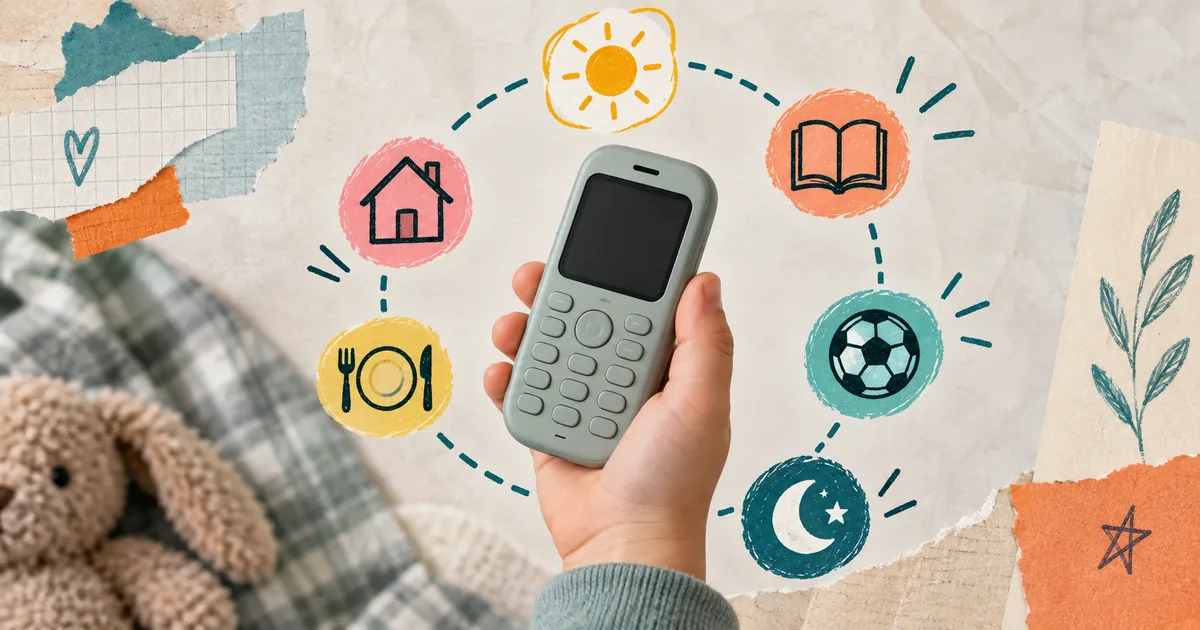
Pinwheel’s defining feature is Modes — time-based profiles that change which apps are available depending on the hour. School hours can allow the phone app and a calculator and nothing else. Evening can open messaging. Bedtime can close almost everything.
Compare that with Gabb, which is closer to a fixed permission set: apps are either on the device or they are not. Pinwheel’s model is conditional rather than binary, and for a child whose problem is when they use the phone rather than what they open, that difference matters more than any feature table suggests.
Modes are also the feature most likely to be under-configured. Parents set one profile at purchase, never build the others, and end up with a restricted phone that behaves the same at 9am and 9pm — which is essentially a Gabb at a higher price.
How the Caregiver Portal Works
The Caregiver Portal is the web dashboard where app approvals, contacts, and Modes are configured. Contacts are allowlisted — a child can only call or text numbers a parent has added, which eliminates unknown-number contact entirely rather than flagging it after the fact.
App requests flow through the portal too. A child taps to request an app from the curated library; the parent approves or declines from their own phone. Most pinwheel kids phone review write-ups praise this flow, and it is genuinely well designed — though it does mean you become the bottleneck for every request.
Pinwheel vs Gabb: Two Different Bets
Both sell locked-down Android phones for kids. The difference is what they are betting on.
Gabb bets on removal — no app store, no browser, a fixed set of approved apps. The phone is simple and stays simple. Pinwheel bets on curation plus scheduling — a vetted app library, therapist input on what is age-appropriate, and Modes that change access by time of day.
Gabb is the cheaper and simpler choice for a younger child who needs calls and texts. Pinwheel costs more and demands more setup, but it can grow with a child in a way a fixed-permission device cannot. Our Gabb phone review covers that side in full.
Three-way pinwheel vs gabb vs bark round-ups add a third bet again: Bark sells monitoring rather than restriction, so it answers a different question entirely and is not really competing with these two. Where pinwheel vs gabb comparisons usually go wrong is treating this as a spec race. The honest question is whether you will actually build and maintain three or four Modes. If not, you are paying for flexibility you will not use.
What It Really Costs Per Year
Pinwheel sells the device outright and charges a monthly subscription for the operating system and portal. Published prices shift, so check the current pages rather than trusting any figure printed here — but the arithmetic is what matters.
Take the device price, add twenty-four months of subscription, and compare that against a budget Android plus a free parental control app on the same timeline. The gap is what you are paying for the locked OS, the curated library, and Modes. For some families that is clearly worth it. For a household already running restrictions well, it may not be.
The “subscription is pricey” complaint that surfaces in reviews is almost always about the second year, when the novelty has faded and the monthly line item has not.
Is a Pinwheel Phone Worth It?
It is worth it when three things are true: your child is roughly eight to fourteen, you want a real smartphone rather than a flip phone, and you will invest an hour setting up Modes properly.
It is not worth it if you want monitoring rather than restriction — Pinwheel controls access, it does not read messages or scan images. It is also not worth it for a teen close to getting an unrestricted phone, where the remaining runway does not justify the device cost.
And it will not help if the phone is not the only screen in the house. A managed phone plus an unmanaged tablet leaves the same hours available through a different device — a pattern we cover in how kids get around screen time limits.
Where a Managed Phone Stops
Pinwheel decides what a phone can do. That is a real and well-executed job. But there is a second question it does not attempt: why the phone gets picked up in the first place.
A child with a perfectly configured Pinwheel can still reach for it a hundred times a day within the apps you approved. Modes narrow the window; they do not change the pull. When the phone comes out of Bedtime Mode, the habit is exactly where it was.
That gap is where a habit tool sits rather than a device. Timily’s Focus Timer and points system make screen time something earned through focus sessions and completed tasks, so the default shifts from “available unless blocked” to “available once earned.” It runs on iOS and does not replace a managed phone — for families who buy Pinwheel, the two solve adjacent problems rather than the same one.
Quick verdict
- Buy Pinwheel if you want a real smartphone with time-based access control and will actually configure Modes.
- Buy Gabb instead if you want the simplest possible locked phone at a lower monthly cost.
- Buy neither if your concern is messages and social contact — that is a monitoring problem, not a device problem.
- Check first whether other unmanaged screens in the house would absorb the same hours.