
Most parents have a vague sense that too much screen time is not great for kids. But when asked to name specific physical effects of screen time, the list often stops at “bad for their eyes.” The reality is broader and more concrete than that. Screens affect the musculoskeletal system, metabolic health, vision development, and sleep architecture — and these effects are measurable, documented, and in many cases preventable.
This guide covers the full picture of how does screen time affect physical health in children, organized by body system. Each section includes the clinical evidence, the warning signs to watch for at home, and the specific steps that reduce risk. The goal is not to create panic about screens — they are a normal part of modern childhood — but to give you the information you need to spot problems early and take action before habits become entrenched.
How Screen Time Affects Your Child’s Body
The physical effects of screen time on children operate through two primary mechanisms. The first is displacement: every hour spent on a screen is an hour not spent running, climbing, stretching, or engaging in the gross and fine motor activities that growing bodies require. The second is direct physiological impact: the sustained near-focus demanded by screens strains eye muscles, the static postures required to hold devices stress developing spines, and the sedentary state suppresses metabolic processes that depend on movement.
These mechanisms interact. A child who spends three hours on a tablet is simultaneously experiencing eye strain from near-focus, postural load from hunching over the device, reduced caloric expenditure from sitting still, and displacement of the physical activity their body needs for healthy development. The WHO guidelines on physical activity for children emphasize that sedentary screen time should be limited precisely because of this compounding effect.
Understanding this dual mechanism matters because it changes the intervention strategy. Reducing screen time alone helps, but replacing screen time with active movement addresses both displacement and the sedentary effects simultaneously.
Eye Health: Myopia, Strain, and the 20-20-20 Rule
Screen time eye strain kids experience is not just discomfort — it is a clinical condition called digital eye strain (also known as computer vision syndrome). Symptoms include headaches, dry eyes, blurred vision, and difficulty focusing on distant objects after prolonged screen use. In children, whose visual systems are still developing, the stakes are higher than in adults.
The myopia connection
Global myopia rates in children have surged to approximately 30% as of 2025, and sustained near-work — including screen use — is one of the key modifiable risk factors. The mechanism is straightforward: when the eyes focus on a close object for extended periods, the eyeball elongates slightly to reduce focusing effort. Over time, this elongation becomes permanent, resulting in myopia (nearsightedness). A child who develops significant myopia before age 12 is at higher risk for serious eye conditions later in life, including retinal detachment and glaucoma.
The protective factor that most consistently reduces myopia risk in studies is outdoor time. Research published in JAMA Ophthalmology found that children who spent at least 40 minutes outdoors daily had significantly lower rates of myopia progression. Bright natural light stimulates retinal dopamine release, which appears to slow eyeball elongation. For more on building outdoor time into your family routine, see our guide on green time for kids.
The 20-20-20 rule
Ophthalmologists recommend the 20-20-20 rule for managing screen-related eye strain: every 20 minutes of screen use, look at something at least 20 feet away for at least 20 seconds. This gives the ciliary muscles inside the eye a break from sustained near-focus. For children, who may not track time well on their own, pairing this rule with a visual timer makes it far more likely to happen consistently.
Screen Time and Obesity in Children
The relationship between screen time and obesity in children is one of the most robust findings in pediatric health research. Children who get two or more hours of recreational screen time daily have two to three times higher obesity risk compared to peers with less screen exposure. Every additional hour of daily screen time is associated with a 13% greater odds of childhood obesity.
Why screens promote weight gain
Three mechanisms drive this connection:
- Reduced energy expenditure: Screen time is almost entirely sedentary. A child watching videos or playing mobile games burns roughly the same calories as sleeping. This displaces the moderate-to-vigorous physical activity that children need for at least 60 minutes daily (per AAP guidance).
- Increased calorie intake: Children eat more while watching screens. Studies consistently show that screen-based eating leads to larger portions, reduced awareness of satiety cues, and a preference for energy-dense snack foods. The distraction effect overrides the body’s natural “I’m full” signals.
- Food advertising exposure: Children watching ad-supported content are exposed to food marketing that overwhelmingly promotes high-calorie, low-nutrient products. A 2022 WHO report found that children who view food advertising consume significantly more calories in subsequent meals.
The sedentary threshold
Kids who use screens more than three hours per day are 30% less likely to meet physical activity guidelines. The displacement effect is not linear — the first hour of daily screen time has relatively little impact on activity levels, but each hour beyond two creates a steeper decline. This is why the evidence-based screen time guidelines focus on keeping recreational screen use under two hours for school-age children.
Posture Problems: Tech Neck, Back Pain, and Growing Bodies
Screen time posture kids adopt when using devices is rarely good. The typical pattern is a forward head tilt, rounded shoulders, and a C-curve in the spine — a position clinicians now call “tech neck” or “text neck.” In a neutral standing position, the human head exerts about 10–12 pounds of force on the cervical spine. Tilting the head forward just 15 degrees increases that load to roughly 27 pounds. At 45 degrees — a common angle when looking at a phone in the lap — the effective load reaches approximately 49 pounds.
Why children are more vulnerable
Adult spines have completed their growth and established their natural curves. Children’s spines are still forming. The vertebrae, discs, and supporting ligaments are softer and more malleable, which means sustained poor posture during childhood can influence the shape of the spine as it matures. Pediatric orthopedists report increasing rates of upper thoracic kyphosis (excessive forward rounding) and cervicogenic headaches in adolescents, with device use duration as a consistent correlating factor.
Beyond the neck: hands, wrists, and thumbs
Repetitive touchscreen use also affects the hands. “Texting thumb” (De Quervain’s tendinopathy) — once primarily an adult repetitive strain injury — is now seen in teenagers. Younger children who grip tablets for extended periods may develop hand fatigue and fine motor strain that interferes with handwriting development.
Physical symptoms of too much screen time in the musculoskeletal system accumulate gradually. A child will not come home from school complaining of “cervical spine loading.” They will say their neck hurts, their back is sore, or their hands feel tired. These complaints are worth taking seriously.
Physical Symptoms Every Parent Should Watch For
Many physical symptoms of too much screen time develop gradually, making them easy to dismiss as normal growing pains. Here is what to look for, organized by body system:
Eyes and vision
- Frequent eye rubbing during or after screen use
- Complaints of blurry vision, especially when looking at distant objects
- Squinting at the TV, whiteboard, or street signs
- Headaches centered around the forehead or behind the eyes
- Holding devices unusually close to the face
Posture and musculoskeletal
- Neck pain or stiffness, especially after device use
- Complaints of upper back or shoulder soreness
- Visibly rounded shoulders when standing
- Hand or thumb pain after extended touchscreen use
- Reluctance to sit up straight (may indicate the posture has become the default)
Weight and activity level
- Noticeable weight gain over a period when screen time also increased
- Decreased interest in physical activities they previously enjoyed
- Snacking primarily while using screens
- Fatigue or low energy despite adequate sleep
Sleep-body connection
- Difficulty falling asleep after evening screen use
- Restless sleep or frequent waking
- Morning grogginess and difficulty getting going
Poor sleep compounds every other physical effect on this list. A child who sleeps badly moves less the next day, snacks more, and has less tolerance for physical discomfort — creating a cycle. For a detailed plan on managing the screen-sleep connection, see our guide on screens before bed.
Age-by-Age Guide: Physical Risks From Toddler to Teen
The physical effects of screen time are not uniform across childhood. Different developmental stages create different vulnerabilities.
Toddlers and preschoolers (ages 2–5)
This is the period of most rapid gross motor development. Children are learning to run, climb, balance, throw, and coordinate complex movements. The WHO recommends no more than one hour of sedentary screen time per day for this age group, and zero screen time before age 2. The primary risk here is displacement: screen time directly competes with the physical play that builds core strength, balance, and coordination. Toddlers who spend significant time on screens show measurable delays in motor milestone achievement compared to peers who spend that time in active play.
School-age children (ages 6–9)
Vision development is a key concern in this age range. Myopia typically first appears between ages 6 and 9, and the amount of near-work (including screens) during this window is a significant risk factor. Posture habits are also being established. A child who develops a “device hunch” at age 7 may carry it into adolescence unless it is actively corrected. This is also the age when screen-related sedentary behavior begins to measurably affect body composition — the obesity risk differential between high and low screen users becomes statistically significant starting around age 6.
Tweens and teens (ages 10–15)
The combination of rapid growth spurts and heavy device use makes this the highest-risk period for posture-related problems. Adolescents are the most intense screen users (averaging 7+ hours daily in many surveys), and their growing bodies are simultaneously at their most vulnerable to postural influence. Myopia progression also accelerates during puberty. On the metabolic side, excessive screen time during adolescence is associated with higher cardiometabolic disease risk markers, including elevated blood pressure and insulin resistance.
Evidence-Based Strategies to Protect Your Child’s Physical Health
The clinical evidence points to several strategies that meaningfully reduce the physical health risks of screen time. None require eliminating screens entirely — that is neither realistic nor necessary.
Build daily outdoor time into the routine
At least 40–60 minutes of outdoor activity daily is the single most protective intervention across multiple body systems. Outdoor time protects against myopia (bright light triggers protective retinal processes), counteracts sedentary behavior (outdoor play is almost always active), and improves sleep quality (natural light exposure regulates the circadian rhythm). Make it non-negotiable, like brushing teeth.
Enforce the 20-20-20 rule during screen sessions
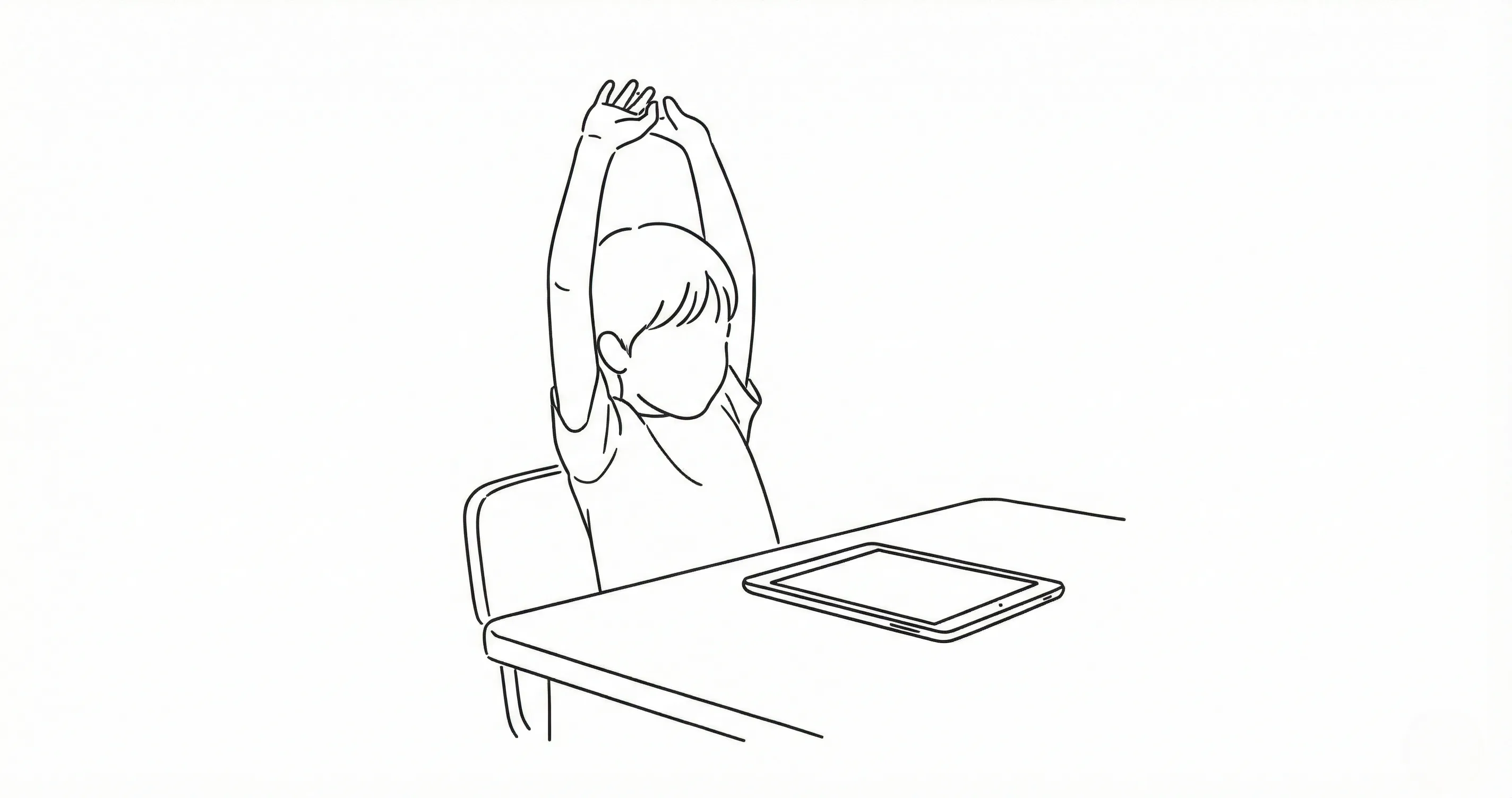
Every 20 minutes, eyes need a 20-second break looking at something 20 feet away. A timer on the desk or wall makes this automatic. For younger children, you can pair it with a quick full-body stretch to address posture simultaneously.
Set up an ergonomic screen station
If your child uses screens regularly for school or entertainment, the physical setup matters. Screen at eye level (not in the lap), arms at roughly 90 degrees, feet flat on the floor or a footrest. A dedicated homework spot with proper ergonomics prevents the worst posture effects. For younger children using tablets, a table-mounted stand is far better than holding the device in their lap.
Separate screens from eating
A simple rule — no screens during meals or snacks — addresses the screen-obesity connection directly. Children who eat without screen distraction are more aware of satiety cues and consume fewer calories. This is one of the easiest interventions to implement and one of the most effective.
Use an earn-based approach to limit sedentary screen time
Rather than imposing strict time limits that create conflict, an earn-based system connects screen access to completed activities — including physical ones. When outdoor play or physical chores earn points that unlock screen time, children naturally balance sedentary and active hours without feeling punished. Timily’s Task and Chore System lets families set up exactly this kind of structure: physical activities like “30 minutes of outdoor play” or “soccer practice” earn points that kids can redeem for screen access.
When to Talk to Your Pediatrician
Most physical effects of screen time are reversible with habit changes. But some situations warrant professional evaluation:
- Vision changes: If your child is squinting at distant objects, holding books or screens unusually close, or complaining of persistent blurry vision, schedule an eye exam. Early myopia detection allows for interventions (like increased outdoor time and atropine eye drops in some cases) that can slow progression significantly.
- Persistent pain: Neck, back, or hand pain that lasts more than a week despite reducing screen time deserves a clinical evaluation. Pediatric musculoskeletal problems are easier to address when caught early.
- Significant weight change: If your child has gained noticeable weight alongside increased screen use, a pediatrician can assess metabolic markers and help build a plan that addresses both screen habits and nutrition together.
- Sleep disruption: If screen-related sleep problems (difficulty falling asleep, frequent waking, daytime fatigue) persist for more than two weeks despite implementing a screen-free wind-down routine, discuss it with your pediatrician. Sleep problems compound every other physical health risk on this list.
The encouraging reality is that children’s bodies are resilient. The physical effects of screen time are overwhelmingly dose-dependent and reversible. A child who shifts from four hours of daily screen time to two hours, adds outdoor play, and develops better device posture will likely see measurable improvement in symptoms within weeks. The research is clear: small, consistent habit changes produce meaningful physical health outcomes. For a deeper look at how screen time affects the developing brain, including the cognitive effects that often accompany the physical ones, see our companion guide.