
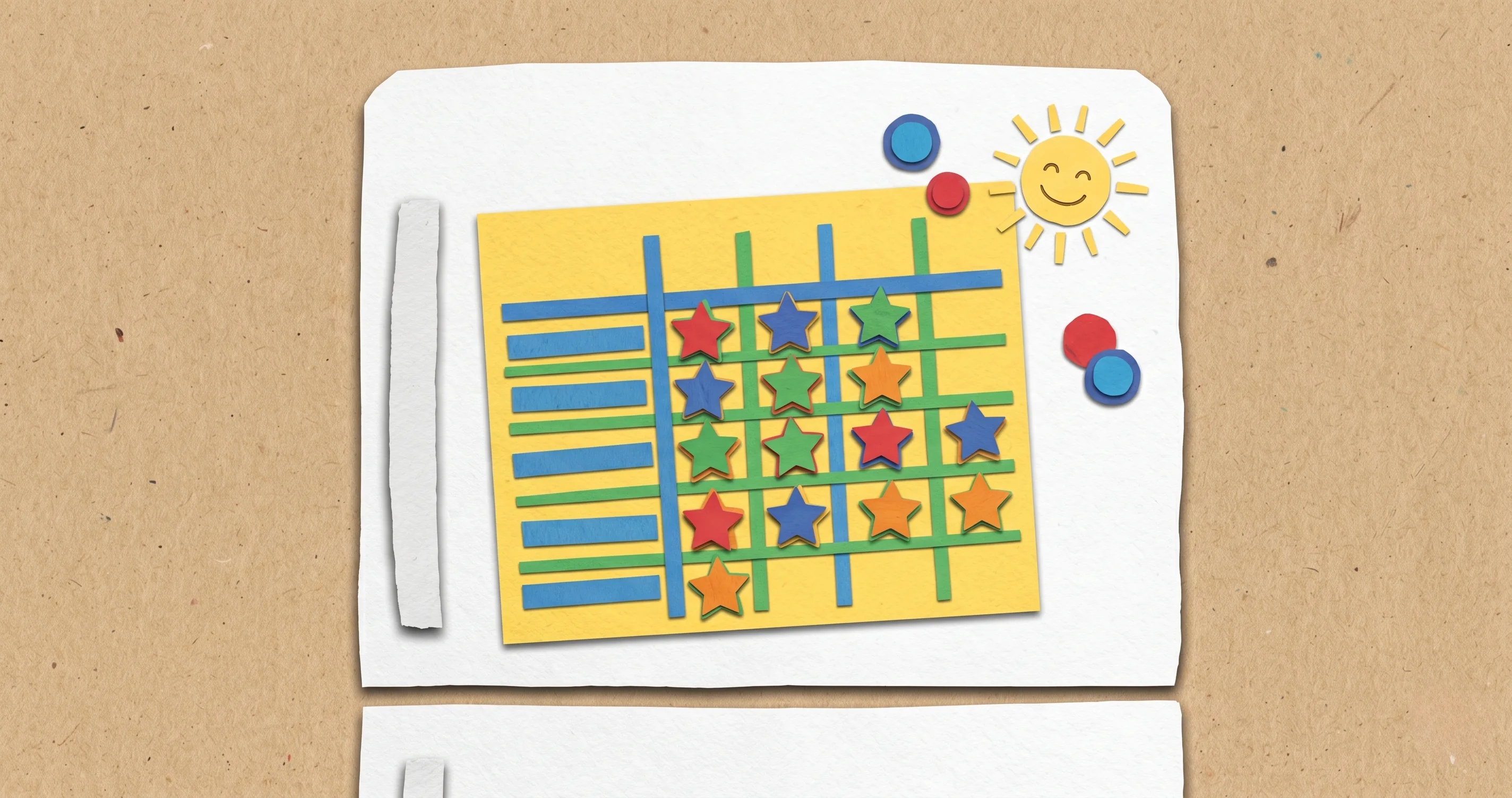
You bought the stickers. You printed the behavior chart. By Monday your kid was excited. By Friday the chart was buried under mail on the kitchen counter. Sound familiar?
A behavior chart for kids is one of the most recommended tools in parenting — pediatricians suggest them, teachers use them, and every parenting blog has a version. But most families abandon theirs within two to three weeks. Not because behavior charts do not work. Because the way most people design them practically guarantees failure.
This guide covers how to build a behavior chart that survives past the honeymoon phase: what to track, what not to track, how to adjust it by age, and when it makes sense to move from a paper chart to a digital system.
What Is a Behavior Chart?
It is a visual tracking tool that records whether a child completed specific positive behaviors during a given time period — usually a day or a week. The child earns a mark (sticker, checkmark, star) each time they demonstrate the target behavior. After accumulating enough marks, they earn a pre-agreed reward.
The concept is rooted in operant conditioning — the psychological principle that behaviors followed by positive outcomes are more likely to be repeated. In simpler terms: when kids see their progress accumulating visually, it motivates them to keep going.
What a behavior chart is not
A behavior chart is not a punishment system. It is not a place to track bad behavior, remove stickers, or add frowny faces. The moment a chart becomes a tool for penalties, it stops working. Children disengage from systems that make them feel like they are constantly failing. A kids behavior chart should always track what you want to see more of, never what you want to see less of.
It is also not the reward itself. The chart is a tracking mechanism. The reward — extra playtime, a small toy, a special outing — is separate. Confusing the two is one of the most common mistakes parents make, and it is a major reason charts lose their motivating power after the first week.
Why Most Behavior Charts Fail
If you have tried a behavior chart before and it fizzled out, you are not alone. Research and clinical experience point to the same recurring patterns.
Too many behaviors at once
The most common mistake is tracking five, six, or even ten behaviors on a single chart. It looks impressive. It feels thorough. But a preschooler cannot focus on improving seven things simultaneously. Neither can most adults. When everything is a priority, nothing is. Three behaviors is the ceiling. One or two is even better for younger children.
Vague goals
“Be good” is not a trackable behavior. Neither is “listen better” or “behave at dinner.” If the child cannot tell whether they succeeded or failed at a specific task, the chart creates confusion instead of motivation. Every behavior on the chart should be concrete and observable: “put plate in the sink after dinner,” “brush teeth without being reminded,” “say please when asking for something.”
Rewards that are too distant
A three-year-old cannot conceptualize “if you get 30 stars over the next month, we will go to the zoo.” The reward horizon needs to match the child’s developmental capacity. For preschoolers, daily rewards work best. For school-age kids, a weekly cycle is appropriate. Monthly goals are only realistic for children 10 and older — and even then, adding milestone check-ins along the way helps maintain motivation.
No parental consistency
The chart only works if someone fills it in consistently. If you forget to add stickers for three days, the system loses credibility. Children need to see that the tracking is reliable — that their effort is noticed every time, not just when the parent remembers. This is where many paper charts fail: life gets busy, and the chart quietly disappears.
Using the chart as punishment
Removing stickers or marking failures turns the chart into a shame board. Research on positive reinforcement consistently shows that reward-based systems outperform punishment-based ones for behavior change in children. A child who does not earn a sticker on a given day simply does not earn it. No sticker removed, no X marked, no lecture needed. The absence of progress is feedback enough.
How to Design a Behavior Chart That Works
A behavior chart template that actually sticks follows a simple formula: few behaviors, clear criteria, short reward cycles, and visible progress.
Step 1: Pick 1 to 3 specific behaviors
Choose behaviors that are:
- Observable — you can see whether it happened or not
- Achievable — the child can realistically succeed most days
- Meaningful — addressing a real friction point in your household
Good examples: “put shoes by the door after school,” “finish homework before screen time,” “use words instead of hitting when upset.”
Bad examples: “be respectful,” “have a good attitude,” “try harder.”
Step 2: Set a reward threshold the child can actually reach
The child should succeed about 70 to 80 percent of the time, especially in the first week. If the bar is set so high that they rarely earn the reward, the chart becomes demoralizing rather than motivating. You can raise the threshold gradually as the behavior becomes consistent.
For example, if you are tracking 3 behaviors over 7 days (21 possible stickers), set the initial reward threshold at 14 to 16 stickers, not 21.
Step 3: Choose age-appropriate rewards
Rewards do not need to be expensive or material. In fact, the most effective rewards for young children are often experiences and privileges:
- Ages 3–5: extra story at bedtime, choosing the dinner menu, 15 minutes of a favorite show
- Ages 6–9: a playdate, earned screen time, picking the weekend activity
- Ages 10+: later bedtime on Friday, choosing a family movie, small purchase from a wishlist
The reward chart approach works best when the child helps choose the rewards. Ownership of the incentive increases motivation.
Step 4: Make the chart visible and accessible
The chart should be posted where the child sees it multiple times a day — the refrigerator, next to the bathroom mirror, or by the front door. Out of sight means out of mind. The visual reminder is half the mechanism.
Step 5: Review and retire behaviors
Once a behavior is consistent for 4 to 6 weeks, retire it from the chart. Celebrate the graduation. Then introduce a new behavior if needed. This keeps the chart fresh and prevents the staleness that kills long-running charts.
Behavior Charts by Age (3–5, 6–9, 10+)
The core principle stays the same across ages — track positive behaviors, reward consistently — but the format, complexity, and reward cycle should match the child’s developmental stage.
Ages 3 to 5: Picture-based, daily rewards
Preschoolers cannot read, so the chart needs to be visual. Use pictures or icons for each behavior instead of words. Stickers work better than checkmarks because the physical act of placing a sticker is rewarding in itself.
| Element | Recommendation |
|---|---|
| Behaviors tracked | 1–2 (maximum) |
| Format | Picture icons, large stickers |
| Reward cycle | Daily (earn sticker → small reward at bedtime) |
| Reward type | Extra story, special snack, 10 min of a favorite show |
| Review | Weekly parent check, simplify if struggling |
At this age, praise is as powerful as the reward itself. When you place the sticker, narrate it: “You brushed your teeth all by yourself tonight. That gets a star.” The connection between action and recognition needs to be immediate and explicit.
Ages 6 to 9: Written goals, weekly rewards
School-age children can read, understand weekly cycles, and handle more structure. This is the sweet spot for traditional charts.
| Element | Recommendation |
|---|---|
| Behaviors tracked | 2–3 |
| Format | Written goals + checkmarks or stickers, weekly grid |
| Reward cycle | Weekly (earn X out of Y possible → weekend reward) |
| Reward type | Earned screen time, playdate, choosing weekend activity |
| Review | Bi-weekly, involve child in adjustments |
Key difference at this age: involve the child in setting the goals. Ask them what behaviors they think are important. When they help create the chart, compliance goes up dramatically. This principle — ownership driving behavior change — is well-documented in child psychology.
An app-based chore and reward system can complement the paper chart at this age, especially for tracking earned screen time as a reward.
Ages 10 and up: Goal-setting with autonomy
Older children and preteens may resist the word “behavior chart” — it feels babyish. Rebrand it. Call it a “goal tracker,” a “weekly challenge,” or a “habit board.” The mechanics are identical. The framing matters.
| Element | Recommendation |
|---|---|
| Behaviors tracked | 2–3 (child-selected with parent input) |
| Format | Digital tracker, bullet journal, or whiteboard |
| Reward cycle | Weekly or bi-weekly |
| Reward type | Later bedtime, small purchase, device privileges |
| Review | Monthly, led by the child |
At 10+, the conversation shifts from “what does Mom want me to do?” to “what do I want to get better at?” A child who decides to track “practice guitar for 15 minutes” and “pack school bag the night before” is developing self-regulation skills that will outlast any chart.
Free Behavior Chart Template
A behavior chart printable does not need to be elaborate. The simpler it is, the more likely your family will actually use it. Here is what a functional free behavior chart template includes:
The layout
- Child’s name at the top (personalization increases ownership)
- 3 behavior columns on the left, each with a picture or short description
- 7 day columns (Monday through Sunday) for the week
- Reward threshold written at the bottom (“Earn 15 stars this week to choose Friday’s dinner”)
- Reward description in the child’s own words
How to use it
Print a fresh copy each week. At the end of each day, sit with your child and review together. Did they complete the behavior? Add the sticker or checkmark together. This two-minute ritual is the engine that keeps the chart alive. Skip the daily review, and the chart dies within days.
For families with multiple children, each child gets their own chart with their own behaviors and rewards. Comparing siblings on the same chart creates competition and resentment instead of motivation.
From Paper Chart to Digital: When to Upgrade
Paper charts are a great starting point. They are tangible, visible, and easy to set up. But they have real limitations that become obvious over time.
When paper stops working
- Consistency problems — you keep forgetting to update the chart, and the system loses credibility
- Multi-household logistics — if your child splits time between two homes, keeping a paper chart in sync is nearly impossible
- The child outgrows stickers — older kids find paper charts childish and disengage
- Reward complexity grows — tracking earned screen time, chore completion, and multiple goals on a single sheet of paper gets messy
What a digital system adds
A digital behavior tracking system like Timily solves the consistency problem by automating the tracking. The child sees their progress in real time. Earned rewards (like screen time) are delivered automatically — no parent negotiation needed. The transition from “chart on the fridge” to “app on the tablet” is natural for kids who are already comfortable with digital tools.
The key features to look for in a digital upgrade:
- Task-based earning — the child completes a task, the system awards the reward (not the parent)
- Visual progress — the same motivating effect as stickers, but digital
- Automatic enforcement — earned screen time counts down on its own, eliminating the “five more minutes” negotiation
- Parent dashboard — you can see progress without hovering over the child
The best time to make the switch is when your paper chart has been working for at least a month but the manual tracking is becoming a bottleneck. Do not switch because the paper chart failed — fix the design first. A digital version of a badly designed chart will fail just as fast.
5 Tips to Keep Your Chart Working Long-Term
Getting the chart started is the easy part. Keeping it effective past week three is where most families stumble. These five principles will help your behavior chart for kids survive the long haul.
1. Celebrate small wins loudly
Every sticker earned is an opportunity for genuine praise. Not performative, over-the-top enthusiasm — real, specific recognition. “You remembered to put your plate in the sink every day this week. That is three weeks in a row.” Children who feel seen and acknowledged are far more likely to sustain the behavior than children who are simply handed a reward.
2. Rotate behaviors before they get stale
A behavior that has been consistent for four to six weeks should be retired from the chart. Thank the child for mastering it. Introduce a new one. This keeps the chart feeling fresh and prevents the decline in motivation that comes from tracking the same three things for months on end.
3. Never remove earned progress
If a child earns a sticker on Tuesday and misbehaves on Wednesday, the Tuesday sticker stays. Removing earned rewards destroys trust in the system. The consequence for Wednesday is simply not earning a new sticker that day. This principle is non-negotiable. The moment earned progress can be taken away, the chart becomes a punishment tool, and children disengage.
4. Keep the daily review ritual sacred
Two minutes before bedtime. Every night. Sit together, review the day, place the stickers. This ritual is more important than the chart itself. It creates a consistent touchpoint where the child receives positive attention for effort. Skip it for three days in a row, and the chart’s effectiveness drops dramatically.
5. Adjust the difficulty curve
If the child is earning rewards every single week with no effort, the chart is too easy — raise the bar slightly. If they are failing every week, it is too hard — lower the threshold or simplify the behaviors. The sweet spot is 70 to 80 percent success rate: achievable enough to stay motivated, challenging enough to require genuine effort.