
How Timily Turns Screen Time Into Healthy Habits
3-step guide to building focus and self-control without the fight.
Step 1
Block Distractions & Set Schedules
Sit down with your child to agree on screen time boundaries. Decide which apps stay locked by default and set strict sleep schedules together.
Block Distractions by Default
Identify distracting apps like Games or Social Media. Agree to set them as locked by default 24/7, turning access into a conscious choice rather than a mindless habit.
Protect Sleep with Bedtime Mode
Set a “Lights Out” schedule. During these hours, entertainment apps stay strictly locked to ensure your child gets the restful sleep they need without late-night scrolling.
Unlocking with Purpose
Outside of bedtime, “Locked” doesn’t mean “Banned.” Your child can choose to temporarily unlock apps using earned coins—teaching them to budget their time responsibly.


Step 2
Earn Through Daily Effort
Kids earn coins by using the focus timer or completing daily habit quests.
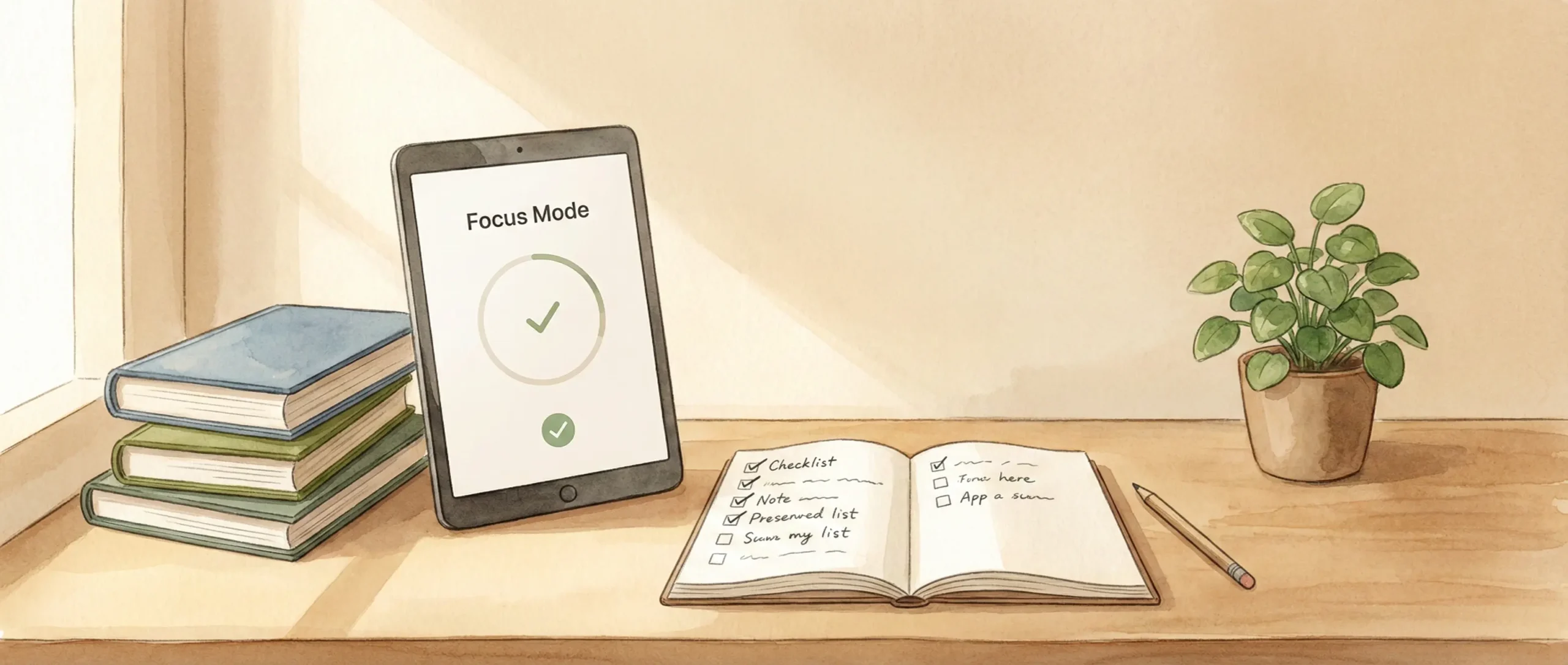
A Focus Timer
When homework starts, your child taps “Start.” Distractions disappear, replaced by calming visuals. It’s an ADHD-friendly focus tool designed to help them stay on task.
Daily Quests
Turn real-life habits—like “Make the Bed” or “Practice Piano”—into gamified tasks. Your child simply marks them as done, and you tap to approve the reward.
Streaks & Consistency
Consistency pays off. By using the focus timer every day, your child builds a “Streak,” earning bonus rewards for building self-discipline.
Step 3
Unlock Rewards & Track Growth
Effort unlocks rewards through positive reinforcement, while weekly challenges build long-term consistency.
Redeem Rewards
Your child uses hard-earned coins to “buy” screen time allowance or request real-life treats (like Pizza Night). This shifts the focus from punishment to achievement.
The Weekly Challenge
Beyond daily tasks, set a “Total Focus Goal” for the week (e.g., 300 mins). Hitting this target unlocks a Bonus Coin Reward, motivating your child to aim for bigger goals.
Review Together
Check the weekly progress report on Sunday. Celebrate their streaks and adjust goals for next week to keep them motivated.

Frequently Asked Questions
Is Timily a good app blocker for managing kids’ screen time?
We believe so! Timily is more than a simple app blocker.
Instead of one-way restrictions, it helps parents and kids agree on app rules together. Kids unlock apps through their own effort and rewards — building motivation, agency, and self-control over time.
Does the focus timer work for kids with ADHD?
Yes. Many parents find Timily helpful for kids with ADHD. The immersive visuals, gentle music, and clear countdowns are designed to reduce overwhelm and support sustained focus.
Is my child's data safe on Timily?
Yes, 100%. Timily is built with child privacy in mind and complies with strict privacy laws, including COPPA.
We do not sell personal data and never show ads to children.
We do not sell personal data and never show ads to children.