
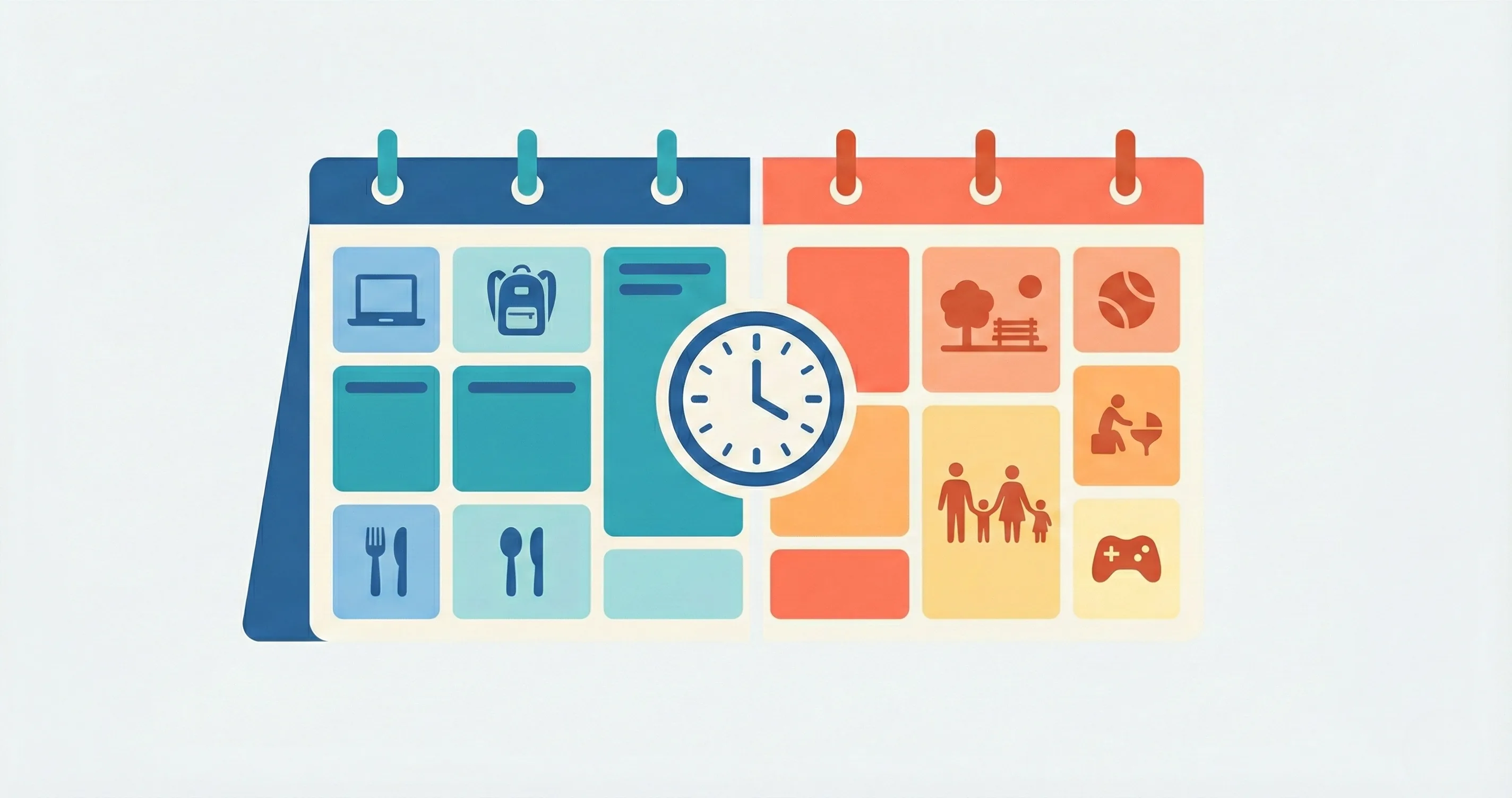
Setting a single daily screen time number and applying it seven days a week does not work. Monday at 4 PM after school looks nothing like Saturday at 10 AM with no homework on the table. Kids know the difference — and they will push back when the rule feels unfair. A good screen time schedule template matches your limits to the structure of each day, not picking one number and hoping it fits everywhere.
This guide gives you age-based targets, a step-by-step system for building a weekday vs weekend screen time schedule, and sample screen time schedule timetables you can adapt tonight. The goal is not perfection. It is a plan that your family can actually follow without daily arguments.
Here is how to set different screen time rules for school days and weekends — and make both stick. Use the screen time schedule template below as your starting point.
Why One Screen Time Rule Doesn't Fit Every Day
A flat "two hours a day" limit sounds clean on paper. In practice, it creates two problems: weekdays feel too generous (two hours after school leaves little time for homework, dinner, and sleep), and weekends feel too restrictive (two hours on a rainy Saturday with no plans feels like a punishment). The solution is not to abandon limits. It is to use two sets of limits.
School Days vs Free Days Are Different Contexts
On a school day, your child has roughly four to five hours of free time between getting home and going to bed. Subtract homework, dinner, and getting ready for bed, and you are left with one to two hours of discretionary time. Giving all of that to screens means zero time for play, reading, or family conversation. A weekday limit of 30 to 60 minutes protects those other activities without eliminating screens entirely.
On a weekend day, the math changes completely. There are 10 to 12 waking hours with no school obligations. A two- to three-hour screen time window still leaves seven to nine hours for everything else. The same number that felt too generous on Tuesday feels perfectly reasonable on Saturday. That is why one rule cannot cover both.
What Research Says About Weekday vs Weekend Screen Time
The American Academy of Child and Adolescent Psychiatry (AACAP) recommends consistent screen time limits and encourages parents to set rules that account for the type and timing of screen use. Research consistently shows that weekday screen time has a stronger negative correlation with academic performance than weekend screen time, because it directly competes with homework, reading, and sleep. Weekend screen use, when structured with breaks and balanced by physical activity, shows fewer negative effects.
The takeaway: tighter limits on school days protect academics and sleep. Looser limits on weekends respect your child's need for downtime. Both sets of rules matter.
How Much Screen Time on Weekends vs Weekdays by Age
Age matters because a 4-year-old's brain processes screen content very differently from a 13-year-old's. Here are practical targets broken down by developmental stage. These are guidelines, not laws — adjust based on your child's behavior, sleep quality, and how they handle transitions off screens.
Ages 3-5
At this age, less is more. Young brains need hands-on, sensory-rich experiences that screens cannot replicate.
- Weekdays: 20-30 minutes, ideally co-viewed with a parent. Place it after outdoor play, not as the first activity after preschool
- Weekends: 30-60 minutes total, split into two short sessions. A 20-minute morning show and a 20-minute afternoon educational app is plenty
- Key rule: No screens during meals or in the hour before bed
Ages 6-9
This is the age group where how much screen time on weekends kids get becomes a common battleground. They are old enough to ask for more but not yet mature enough to self-regulate.
- Weekdays: 30-45 minutes after homework and one chore are done. Homework-first is non-negotiable at this age
- Weekends: 1.5-2 hours total, split into two or three sessions with active breaks in between
- Key rule: Earn weekend screen time by completing morning responsibilities first (make bed, eat breakfast, get dressed)
Ages 10-12
Preteens want more autonomy. Give it to them within a structure. The shift here is from time-based control to a responsibility-based system.
- Weekdays: 45-60 minutes. Allow them to choose when to use it, as long as homework and chores are done first
- Weekends: 2-3 hours total. Consider allowing unstructured blocks if they have demonstrated they can self-regulate (stopping on time, no tantrums at the end)
- Key rule: Let them manage a "screen time budget" for the weekend — they decide how to split it across Saturday and Sunday
Teens (13+)
Strict minute-counting backfires with teenagers. The conversation shifts from "how many minutes" to "what are you doing with your screen time, and is it interfering with sleep, grades, or relationships?"
- Weekdays: 1-2 hours of recreational screen time (not counting school-related use). The focus is on protecting homework time and sleep
- Weekends: Flexible, with agreed-upon boundaries around mealtimes, family activities, and bedtime. A 3-4 hour allowance with self-management is reasonable for teens who have earned trust
- Key rule: Negotiate the rules together. Teens who co-create their limits are far more likely to follow them
How to Build a Screen Time Schedule Template
Knowing the right numbers is step one. Building a schedule your family actually follows is step two. Here is a four-step process that works for any age group.
-
Step 1 — Define Non-Screen Priorities First List everything that must happen before screens on both weekdays and weekends: homework, chores, outdoor play, meals, and sleep. These non-negotiables form the frame. Screen time fills whatever space is left, not the other way around. If you start with screen time and try to fit responsibilities around it, you will always lose.
-
Step 2 — Set Weekday Limits Based on your child's age (use the targets above), set a specific weekday screen time window. For most school-age kids, this means 30-60 minutes slotted after homework and one chore. Be specific about the window: "Screen time is from 5:00 to 5:45 on school days." A named window is easier to enforce than a vague allowance. For guidance on setting screen time rules that actually hold, pair the window with a clear start-and-stop ritual.
-
Step 3 — Set Weekend Flexibility Rules Allow more total time on weekends, but add structure. Split it into sessions with breaks. Let kids earn extra time through chores or focus tasks. A two- to three-hour total with earn-based extensions prevents binge sessions while feeling generous. The earn mechanic matters because it turns extra screen time from an entitlement into an achievement. For detailed age-specific rule frameworks, match the weekend allowance to your child's developmental stage.
-
Step 4 — Make It Visible Post the weekly schedule somewhere the whole family can see it — on the fridge, a whiteboard, or in an app. When kids can see the rules before they ask, daily negotiations drop dramatically. A visible schedule also holds parents accountable: no more "just this once" exceptions that undermine the system. Print it, pin it, and point to it when questions arise.
Sample Screen Time Schedule Templates: Weekday and Weekend
Here are two sample schedules for a school-age child (ages 7-10). Adapt the times to fit your family's routine. The structure matters more than the exact numbers.
Sample Weekday Schedule
| Time | Activity | Screen? |
|---|---|---|
| 3:00 - 3:30 PM | Snack + free play (outdoor if possible) | No |
| 3:30 - 4:30 PM | Homework + reading | No |
| 4:30 - 4:45 PM | One chore (empty dishwasher, tidy room) | No |
| 4:45 - 5:30 PM | Earned screen time (45 min) | Yes |
| 5:30 - 6:15 PM | Dinner + family time | No |
| 6:15 - 7:30 PM | Free play, bath, bedtime routine | No |
Sample Weekend Schedule
| Time | Activity | Screen? |
|---|---|---|
| 8:00 - 9:00 AM | Breakfast + morning responsibilities (make bed, get dressed) | No |
| 9:00 - 10:00 AM | Screen time session 1 (60 min) | Yes |
| 10:00 - 12:00 PM | Outdoor play, errands, or family activity | No |
| 12:00 - 12:30 PM | Lunch | No |
| 12:30 - 1:00 PM | Chore or creative project | No |
| 1:00 - 2:00 PM | Screen time session 2 (60 min) | Yes |
| 2:00 - 5:00 PM | Free play, sports, reading, or earned bonus screen time (30 min) | Optional |
| 5:00 PM onward | Dinner, family time, wind-down | No |
Notice the pattern: the weekend schedule gives up to 2.5 hours of screen time but never in a single block. The breaks between sessions prevent the glazed-eye, fight-when-it-stops dynamic that happens during marathon sessions.
Different Screen Time Rules School Days: What to Adjust
School days need the tightest structure because the margin for error is smallest. If screen time bleeds into homework time or pushes bedtime later, the effects show up in grades and behavior within a week. Here are two adjustments that make weekday rules stick.
Homework-First Rules
The single most effective weekday screen time rule is also the simplest: no screens until homework is done. Not "mostly done." Not "I will finish after." Done. This eliminates the negotiation loop where a child asks for "just 10 minutes" that turns into 40.
To make homework-first work without constant policing:
- Set a consistent homework start time (not "when you feel like it")
- Create a homework station that is screen-free — no phone, no tablet on the table
- Use a visible timer so the child can see how much homework time is left
- Make the transition automatic: "When the timer ends and your work is checked, screens are available"
The beauty of homework-first is that it is self-enforcing. The child controls when they get screen time by controlling when they finish homework. No nagging required.
Earning Extra Time on Weekdays
Some days, a child finishes homework early and has extra free time. Rather than extending the screen time window automatically, let them earn it. Completing an additional chore, reading for 20 minutes, or finishing a focus session can unlock an extra 15 to 30 minutes. This is where tools like Timily's Task and Chore System and Reward System become useful — the child sees exactly what they need to do to earn more time, and the app tracks it so you do not have to argue about whether the chore was done.
The earn mechanic transforms extra screen time from a loophole into a reward for productivity. It also teaches the principle that effort leads to access — a lesson that transfers well beyond screen time.
Weekend Screen Time Limits That Avoid Binge Sessions
Weekend screen time limits fail when they allow all the time in one unbroken block. A child who gets three hours on Saturday morning will sit motionless, resist any interruption, and melt down when the time ends. The same three hours split into two sessions with an active break in between produces a completely different experience. Here is how to set weekend limits that actually prevent binge behavior.
The "Earn Before Binge" Approach
Instead of handing over the full weekend allowance at 9 AM, require a small effort gate before each session. Morning responsibilities (make bed, eat breakfast, get dressed) unlock session one. A chore or 30 minutes of outdoor play unlock session two. An optional creative task or earning through a focus challenge unlocks a bonus third session.
This approach works because it breaks the weekend into earn-watch-earn-watch cycles instead of one long passive block. Each screen session feels like an achievement rather than a default. And because the child knows exactly what earns access, there are no surprises or arguments.
If your family is also planning ahead for school breaks, the same earn-before-play structure works during summer screen time — just with slightly longer sessions and more creative earning options.
Screen-Free Windows on Weekends
Designate specific blocks of the weekend as screen-free zones. The two most impactful are:
- The first hour after waking: Starting the day with screens sets a passive tone. Starting with breakfast, play, or even just a conversation sets an active tone that carries through the morning
- The hour before bed: Screen light suppresses melatonin and delays sleep onset. A screen-free wind-down protects weekend sleep, which directly affects Monday morning behavior and focus
These two windows are easy to enforce because they are time-based, not behavior-based. "No screens before 9 AM and after 7 PM" is clear. "No screens when you are being unproductive" is vague and arguable. Choose rules your child can follow without interpretation.
The “No Screens on Weekdays” Approach: Does It Work?
Some families take a more radical approach: zero recreational screens Monday through Friday, with more generous allowances on weekends. No negotiation, no earning, no timers on school days — just a clean boundary. It is a strategy that generates strong opinions in every parenting community, and for good reason. It works brilliantly for some families and backfires badly for others.
Why families try it
The appeal is simplicity. When the rule is “no screens on school days, period,” there is nothing to negotiate. No child asking “just 10 more minutes.” No arguing about whether homework is really done. No monitoring what they are watching. The daily battle simply disappears because the answer is always the same.
Parents who have tried this approach report several consistent benefits:
- Homework gets done faster and with less resistance because screens are not dangling as a distraction or reward
- Kids rediscover non-screen activities. Without the option to default to a device, children start reading, building, drawing, or playing outside — often within the first week
- Evenings become calmer. No screen time transitions means no transition meltdowns. Dinner, bath, and bedtime flow more smoothly when screens are not part of the equation
- Sleep improves. No evening screen exposure means no blue light interference with melatonin production. Multiple parents report their kids fall asleep faster and wake up easier on school mornings
Where it can go wrong
A weekday screen ban sounds clean on paper, but it introduces risks that are worth considering before committing:
- The forbidden-fruit effect. For some children, making screens completely off-limits on weekdays makes them more obsessed, not less. They spend the week counting down to Saturday, and when the weekend arrives, they binge harder than they would with a moderate daily allowance. The contrast between zero and unlimited can create a feast-or-famine relationship with screens.
- Sneaking and workarounds. Older kids (especially ages 10 and up) may find ways around the ban — borrowing a friend’s device, using a school laptop for non-school content, or hiding a phone. A ban they circumvent teaches deception skills, not self-regulation.
- Social isolation in older kids. For tweens and teens, some peer interaction happens through screens — group chats, collaborative games, social media. A complete weekday ban can cut them off from their social circle in ways that feel punitive. Consider carving out a small exception for social communication if your child is 11 or older.
- It only works if both parents are consistent. A weekday ban requires airtight co-parenting alignment. If one parent enforces the ban and the other quietly allows “just a little YouTube,” the rule collapses fast and the child learns to play the system.
A middle ground that borrows from both
If the cold-turkey weekday approach appeals to you but the risks concern you, consider a hybrid: no passive screens on weekdays, earned screens on weekends. This means no YouTube, no gaming, and no social media Monday through Friday — but a 20-minute creative or educational app is allowed after homework and chores are done. The child still gets a structured micro-dose, learns to earn access, and avoids the deprivation spiral.
On weekends, use the earn-before-play approach from the previous section. This way, screen time is never “free” and never completely forbidden. The child develops a healthier relationship with screens because they experience moderation rather than extremes.
Start This Week, Not Next Month
You do not need to overhaul your entire family schedule to set better weekday vs weekend screen time rules. Pick one change from this guide and implement it today. The homework-first rule is the simplest starting point for school days. The two-session split is the easiest weekend fix. Once one change becomes routine, add the next.
If you want a tool to manage the earn-based system without tracking everything yourself, Timily handles the task completion and reward tracking on iOS so you can focus on being the parent, not the screen time police.
The families who struggle least with screen time are not the ones with the strictest rules. They are the ones with the clearest rules — rules that flex with the day, feel fair to the child, and stay visible to everyone. Weekday structure plus weekend flexibility is not a compromise. It is the system that works.