
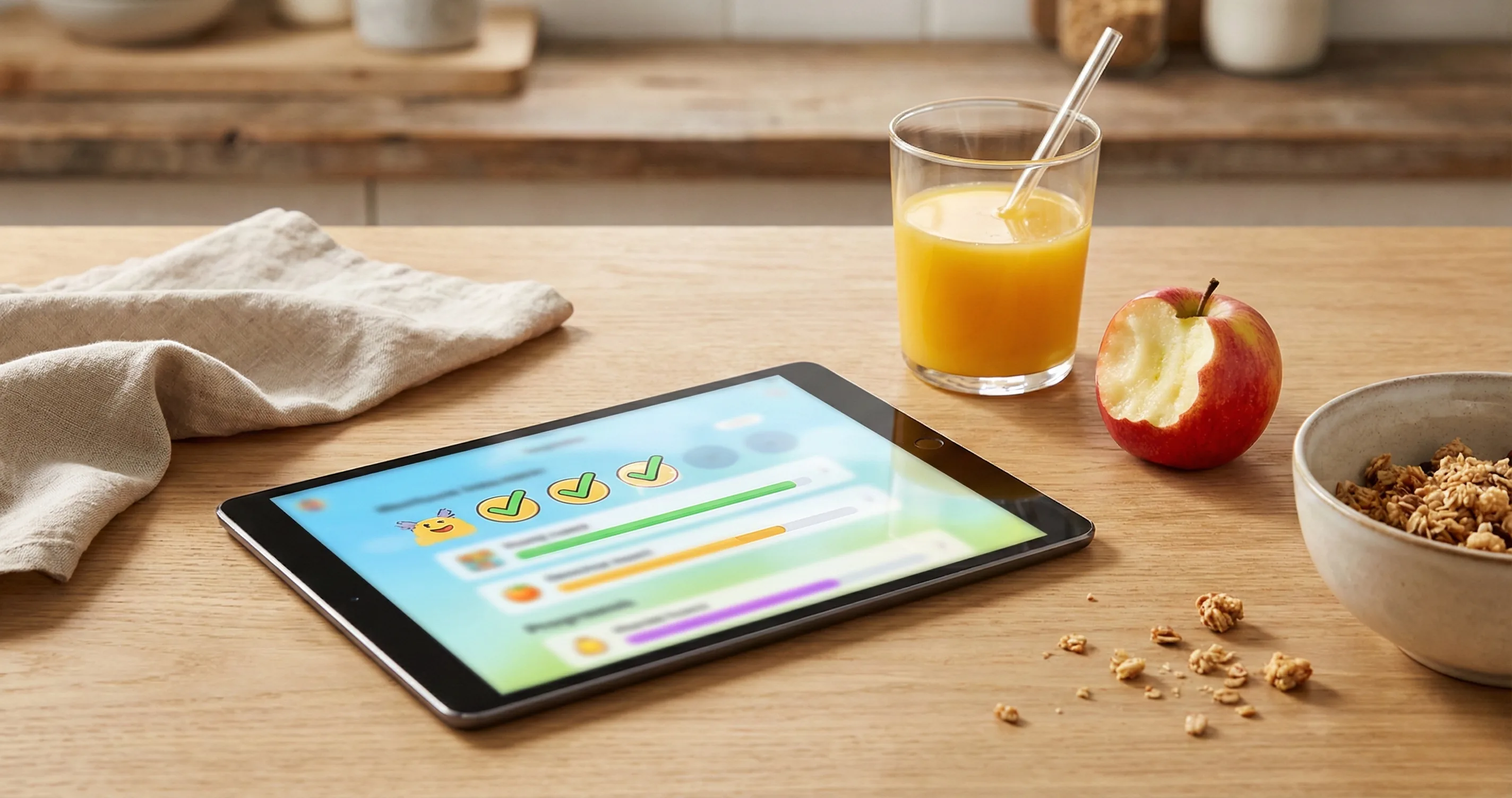
If you have ever wished your kids would do their homework, finish their chores, or read a book before reaching for a screen, you are not alone. The concept is simple: instead of handing out screen time and then fighting to take it away, let children earn it first. That is exactly what an earn screen time app does. These apps flip the traditional parental control model on its head — rewarding effort instead of just restricting access.
But which app actually delivers on that promise? The SERP is dominated by outdated listicles and app store listings. The most-shared roundup dates back to 2022, and the landscape has changed significantly since then. New entrants, updated pricing, and shifting philosophies mean parents deserve a fresh, honest comparison.
We spent three weeks testing seven kids earn screen time apps across iOS and Android. We evaluated each one against a structured rubric covering philosophy, usability, pricing, and real-world family fit. Here is what we found.
What Is an Earn Screen Time App?
In simple terms, it is a tool that lets children accumulate screen time by completing designated tasks — chores, homework, reading, focus sessions, or other activities parents define. Instead of starting with a fixed daily limit that counts down to zero, kids start at zero and build up.
This distinction matters more than it might seem. Traditional parental controls are built around restriction: set a limit, enforce it, and deal with the inevitable pushback when the timer runs out. An app where kids earn screen time reverses the dynamic entirely. The child is not defending screen time they already have. They are working toward screen time they want. The emotional difference is significant.
Behavioral psychology supports this approach. A 2024 meta-analysis published in Pediatric Research found that interventions combining goal-setting with positive reinforcement produced more durable behavior change than restriction-only approaches. The earn model maps directly onto this framework: set a clear goal (complete a task), provide a clear reward (earn screen time), and let the child experience the connection between effort and outcome.
If you want a deeper dive into why reward-based screen time management works, our guide on screen time reward systems for kids covers the psychology in detail.
How We Evaluated These Apps
Not all apps in this category approach the problem the same way. Some are reward-first tools designed around motivation. Others are traditional parental controls that have bolted on an earning feature as an afterthought. The difference shows up in the user experience.
We evaluated each app against six criteria:
- Earn-first philosophy. Is earning built into the core design, or is it a secondary feature buried in settings? Apps that treat earning as the primary interaction model score higher.
- Task flexibility. Can parents customize what counts as "earning"? Some apps limit you to pre-set chore lists. Others let you create custom tasks, focus timers, or reading goals.
- Age appropriateness. Does the app work for a 6-year-old as well as a 12-year-old? The best apps scale their interface and complexity to match different developmental stages.
- Platform support. Does it run on iOS, Android, or both? Does it require device-level access, or does it work independently?
- Pricing transparency. We flagged apps that hide core features behind premium tiers or use confusing subscription models.
- Parent experience. Setup time, notification clarity, and the ability to manage multiple children without friction.
We did not weight any single criterion above the others. The right app depends on your family's specific needs, and we structured this review to help you identify the best match rather than declare a single winner.
The 7 Best Earn Screen Time Apps for Kids (2026)
Below is our breakdown of the seven most notable apps in this space available in 2026. Each review covers what the app does well, where it falls short, pricing, and the type of family it fits best.
1. Timily
Timily is a reward-first parental tool built around a simple premise: kids earn screen time, allowance, and other rewards by completing focus sessions, chores, and daily challenges. Unlike most parental controls that start with blocking and add rewards as a secondary feature, Timily was designed from the ground up as a motivation system.
The app uses a points-based economy where children accumulate coins for completed tasks. Parents define what tasks are available and what rewards those coins can unlock. Screen time is one reward option, but not the only one — kids can also earn allowance, activities, or custom rewards you create.
- Best for: Families who want a reward-first approach, not just screen time controls
- Platforms: iOS (iPhone and iPad)
- Pricing: Subscription (visit timily.app for current pricing)
- Standout feature: Built-in focus timer (Pomodoro-style) that rewards sustained attention, not just task completion
Where it falls short: Timily does not include heavy-handed device locking or web filtering. If you need hardcore content blocking, you will want to pair it with a built-in tool like Apple Screen Time or Google Family Link.
2. OurPact
OurPact is one of the more established names in parental controls. It started as a screen time scheduler and blocking tool but has added an earn-based "Allowance" feature that lets parents grant screen time for completed tasks.
- Best for: Parents who want traditional blocking plus earn-based features in one app
- Platforms: iOS and Android
- Pricing: Free tier with limited devices; Premium and Premium Plus tiers at $6.99/mo and $9.99/mo
- Standout feature: Per-app blocking and scheduling with fine-grained control over which apps are available at which times
Where it falls short: The earn feature feels secondary to the blocking features. The interface can be complex for parents who primarily want a motivation tool. Setup takes longer than simpler alternatives.
3. ScreenCoach
ScreenCoach takes the earn your screen time app concept and ties it directly to chores and tasks. Kids complete activities that parents assign, and in return they earn screen time or allowance. The app positions itself as a "family coach" and includes a dashboard where kids can see their progress.
- Best for: Families who want chore tracking and screen time earning tightly integrated
- Platforms: iOS and Android
- Pricing: Free trial; subscription at approximately $7.99/mo
- Standout feature: "Must-Do and Bonus Tasks" framework lets parents set required activities and optional bonus challenges
Where it falls short: The app's interface can feel dated compared to newer competitors. Some parents report notification reliability issues on Android.
4. S'moresUp
S'moresUp brands itself as a "smart chore app" but includes a strong screen time earning component. Kids earn points for completing chores, and those points can be exchanged for screen time, allowance, or custom rewards. It also includes a goal-setting feature for longer-term objectives.
- Best for: Families who want an all-in-one household management tool (chores + allowance + screen time)
- Platforms: iOS and Android
- Pricing: Free basic plan; Premium at $5.99/mo per family
- Standout feature: Family bank and savings goals teach financial literacy alongside screen time management
Where it falls short: The breadth of features can be overwhelming for parents who only want screen time management. The app tries to do a lot, and the screen time earning component does not receive the same attention as the chore system.
5. Achieve! (formerly Earn Your Screen Time)
Achieve! is one of the original earn your screen time apps and remains a popular iOS option. The concept is straightforward: parents set tasks, kids complete them, and screen time unlocks. It uses a visual "jar" metaphor where completed tasks fill up the jar, and a full jar means screen time is available.
- Best for: Younger kids (ages 4–8) who respond well to visual progress indicators
- Platforms: iOS only
- Pricing: One-time purchase (approximately $4.99)
- Standout feature: The visual jar metaphor makes abstract concepts concrete for younger children
Where it falls short: iOS only limits its reach. The app has not been significantly updated recently, and it lacks the polish and feature depth of newer alternatives. No device-level management — it relies on the honor system.
6. Togleam (Screen Time Chores)
Togleam takes an offline-first approach. Kids complete real-world challenges and submit photo verification. Parents review and approve, and screen time is granted. The app emphasizes outdoor activities and creative tasks over traditional chores.
- Best for: Parents who want to encourage offline activities (outdoor play, art, cooking) rather than just chores
- Platforms: Android and iOS
- Pricing: Free with in-app purchases
- Standout feature: Photo verification adds accountability and creates a family activity log
Where it falls short: The approval workflow can become a bottleneck if parents are busy. No automated tracking — everything requires manual verification. Smaller user base means less community support and slower updates.
7. Screen Time Parental Control (by Screen Time Labs)
This app — simply called "Screen Time" in app stores — is a traditional parental control tool that includes a "Bonus Time" feature. Kids can earn extra screen time beyond their daily limit by completing tasks parents assign.
- Best for: Families already using Screen Time Labs who want to add an earning layer to existing controls
- Platforms: iOS and Android
- Pricing: Free trial; Premium at $6.99/mo
- Standout feature: Deep device-level controls (app blocking, web filtering, location tracking) combined with the bonus time earn feature
Where it falls short: The earn feature is clearly an add-on to a restriction-first product. The overall experience is more "control app with earning bolted on" than "earn app with controls built in." Kids who are already resistant to parental control tools may not respond well to the earning feature in this context.
Quick Comparison Table
This table summarizes the key differences across all seven apps so you can compare them at a glance.
| App | Philosophy | Platforms | Pricing | Chore Tracking | Device Blocking | Best Age Range |
|---|---|---|---|---|---|---|
| Timily | Reward-first | iOS | Subscription | Yes | No (pair with OS controls) | 5–14 |
| OurPact | Block-first + earn add-on | iOS, Android | Free / $6.99–$9.99/mo | Limited | Yes (per-app) | 6–16 |
| ScreenCoach | Earn-first | iOS, Android | Free trial / ~$7.99/mo | Yes (core feature) | Basic | 5–13 |
| S'moresUp | Household management | iOS, Android | Free / $5.99/mo | Yes (core feature) | No | 5–15 |
| Achieve! | Earn-first (visual) | iOS only | ~$4.99 (one-time) | Basic | No (honor system) | 4–8 |
| Togleam | Offline challenge-based | iOS, Android | Free + IAP | Activity-based | No | 5–12 |
| Screen Time Labs | Block-first + bonus time | iOS, Android | Free trial / $6.99/mo | Limited | Yes (comprehensive) | 6–16 |
Which App Is Right for Your Family?
The best choice depends on what problem you are actually trying to solve. There is no single best app to earn screen time — the right pick depends on your family's priorities. Here is a decision framework based on the most common scenarios we encountered during testing.
If your primary goal is motivation (not blocking)
Go with Timily or ScreenCoach. Both are designed around the earning mechanic as the core experience. Kids interact with the app as a reward system, not as a restriction tool. This approach works well for families who already have basic parental controls in place (through Apple Screen Time or Google Family Link) and want to add a motivational layer on top.
If you need blocking and earning in one tool
OurPact or Screen Time Labs give you both. You get per-app blocking, scheduling, and web filtering alongside the earn feature. The trade-off is that these apps feel more like control tools, which can affect how kids perceive them. If your child already has a negative association with parental control apps, introducing another one with earning features may not generate the buy-in you hope for.
If you want chore management and screen time together
S'moresUp and ScreenCoach both tie chores directly to rewards. S'moresUp goes further with financial literacy features (allowance, savings goals). If screen time is just one piece of a larger household management puzzle, these tools consolidate multiple workflows.
If your child is under 7
Achieve! was designed specifically for young children. Its visual jar metaphor and simplified interface make abstract concepts like "earning" concrete and understandable. Timily also works well at this age, particularly with its timer-based focus sessions that give young learners a clear, immediate earning loop.
If you want to encourage offline activities
Togleam stands out here. Its photo-verified challenges push kids toward outdoor play, cooking, art, and physical activity. The trade-off is a more manual workflow, but for families who value creative and physical engagement over chore completion, it is a compelling option.
No matter which app you choose, the key is consistency. An earning-based approach works best when the rules are clear, the rewards are predictable, and the child understands the connection between effort and outcome.
What to Look for in an Earn Screen Time App
Beyond our specific picks, here are the characteristics that separate an effective screen time reward app from the ones that gather dust after the first week.
The earning mechanic must be visible to the child
If the child cannot see their progress — how much they have earned, what they need to do next, how close they are to unlocking their reward — the system loses its motivational power. The best apps make earning feel tangible. Points that accumulate, bars that fill, badges that unlock. This is not about gamifying everything. It is about making abstract effort feel real and visible.
Parents need to be able to customize tasks
Pre-set task lists are fine as starting points, but every family is different. The app should let you create custom tasks that match your values. Maybe "practice piano for 15 minutes" matters more than "make your bed." Maybe you want to reward focused reading time, not just chores. Flexibility in task design is what makes the system feel authentic rather than generic.
The app should not create more work for parents
If using the app takes more effort than the problem it solves, it will not last. Look for automatic tracking where possible (timers that count focus time, for instance), push notifications when tasks are completed, and a parent dashboard that gives you a clear picture without requiring you to open the app every five minutes.
It should teach self-regulation, not just compliance
The long-term goal of any screen time reward system is to build a child's capacity for self-management. The best apps gradually shift responsibility to the child — allowing them to choose their own tasks, manage their own balance, and make decisions about when and how to use their earned time. An app that requires constant parental input to function has the same problem as a pure restriction tool: it does not teach anything.
FAQ
Do these apps actually work for young kids?
Yes, but the system needs to match the child's age. Kids aged 5 to 7 do best with simple, immediate earn-and-use mechanics — finish one task, get a set amount of screen time right away. Abstract point balances or weekly goals are too complex at that stage. Most apps on this list support simple task-to-reward flows that work well for younger children.
How does an earn-based app differ from a regular parental control app?
Traditional parental controls focus on blocking and restricting — setting hard limits and locking devices when time runs out. An earn-based model flips this: kids start at zero and build up time by completing tasks, chores, or focus sessions. The psychological difference is significant. Restriction feels like punishment. Earning feels like achievement. Some apps (like OurPact and Screen Time Labs) blend both approaches, while others (like Timily and Achieve!) focus purely on the earn model.
Can I use one of these apps alongside Apple Screen Time or Google Family Link?
Most earn-based apps are designed to complement — not replace — built-in parental controls. You can use Apple Screen Time or Google Family Link for hard limits and content filtering, while using an earn-based app to manage the motivational and reward layer. Some apps like OurPact include their own device management, so check whether the app duplicates or integrates with your existing setup.
Is this approach just bribing kids with screen time?
There is an important distinction between bribing and structured earning. A bribe happens in the moment to stop unwanted behavior — "stop crying and you can have the iPad." A structured earn system sets expectations in advance — "when you complete your reading, you unlock 20 minutes of screen time." Research in behavioral psychology consistently shows that pre-defined reward systems build intrinsic motivation over time, while bribes undermine it.
Which app on this list is best for families with multiple kids?
OurPact, Timily, and S'moresUp all support multiple child profiles under one parent account. The key differences are in how they handle individualization. OurPact manages each child's device separately. Timily lets you customize tasks and rewards per child. S'moresUp allows different chore assignments and allowance rates. If your children are different ages with different needs, look for per-child customization rather than a one-size-fits-all setup.